Cube and Materials Guide
Use material effects, rarity, and tradability to decide what to keep.
Materials are not clutter; they define late gear direction.
Quick Take
- 1Classify materials by effect type BEFORE checking rarity
- 2Don't auto-sell tradable materials — check self-use first
- 3Use Cube only with a specific target stat in mind
- 4Missing market data means keep/sell remains uncertain
- 5Decoration, Engraving, and Inscription do different jobs — learn which matters for your build
Why Materials Are the Hidden Backbone
Materials are not inventory clutter — they are the connection between your gear, Cube crafting, market trading, and late-game optimization. A player who understands materials has more options, stronger gear, and better market sense than one who only looks at weapon damage.
Judge every material by three dimensions:
- 1.Effect type — Decoration, Engraving, or Inscription — each targets different gear parts and stat ranges
- 2.Rarity/tier — Common through Cosmic materials have progressively stronger effects
- 3.Tradability — Tradable materials have market value independent of their crafting value
The Three Layers of Material Effects
Layer 1: Effect Type
- Decoration — Applied to weapons and armor. Typically provides direct stat increases (damage, defense, HP).
- Engraving — Applied to accessories. Often provides specialized stats (critical, speed, utility).
- Inscription — Applied to any gear. Can add unique modifiers or convert stats.
Each effect type has a home on specific gear parts. Check the Effects page (/effects) for the complete mapping of material → effect type → gear part → stat.
Layer 2: Gear Part Target
Materials don't work on everything. A weapon-only Decoration won't help your armor. Before using a material:
- Confirm which gear part it targets
- Check if that gear piece is worth upgrading (will you replace it soon?)
- Compare the stat increase against other materials you could use on the same slot
Layer 3: Game Phase
- Early game (Act 1-2, Normal-Hard): Prioritize survival stats (HP, armor, block). Materials that add clear speed come later.
- Mid game (Act 2-3, Hard-Nightmare): Balance damage and defense. Start using Cube with specific targets.
- Late game (Act 3+, Nightmare-Hell): Optimize for specific builds. Material effects become multipliers on already-strong base gear.
Cube Usage Checklist
The Cube system lets you add and customize stats on items. It's powerful but resource-intensive. Never use Cube without a plan:
- 1.Pick a target stat — What exactly are you trying to improve? (e.g., "more physical damage" or "higher critical chance")
- 2.Confirm material availability — Do you have enough materials for the attempt?
- 3.Check the base item — Is the gear piece worth investing in? A level-10 item isn't worth Cube materials.
- 4.Consider opportunity cost — Could these same materials be more valuable on a different item?
- 5.Check market alternatives — Sometimes buying an upgraded item is cheaper than crafting the upgrade yourself.
Warning Signs You're Using Cube Wrong
- You're clicking "craft" without knowing what stat you want
- You're using high-tier materials on gear you'll replace in 5 levels
- You're choosing materials by rarity rather than by the stat they provide
- You have no idea what the material actually does
Item Locking and Alchemy Habits
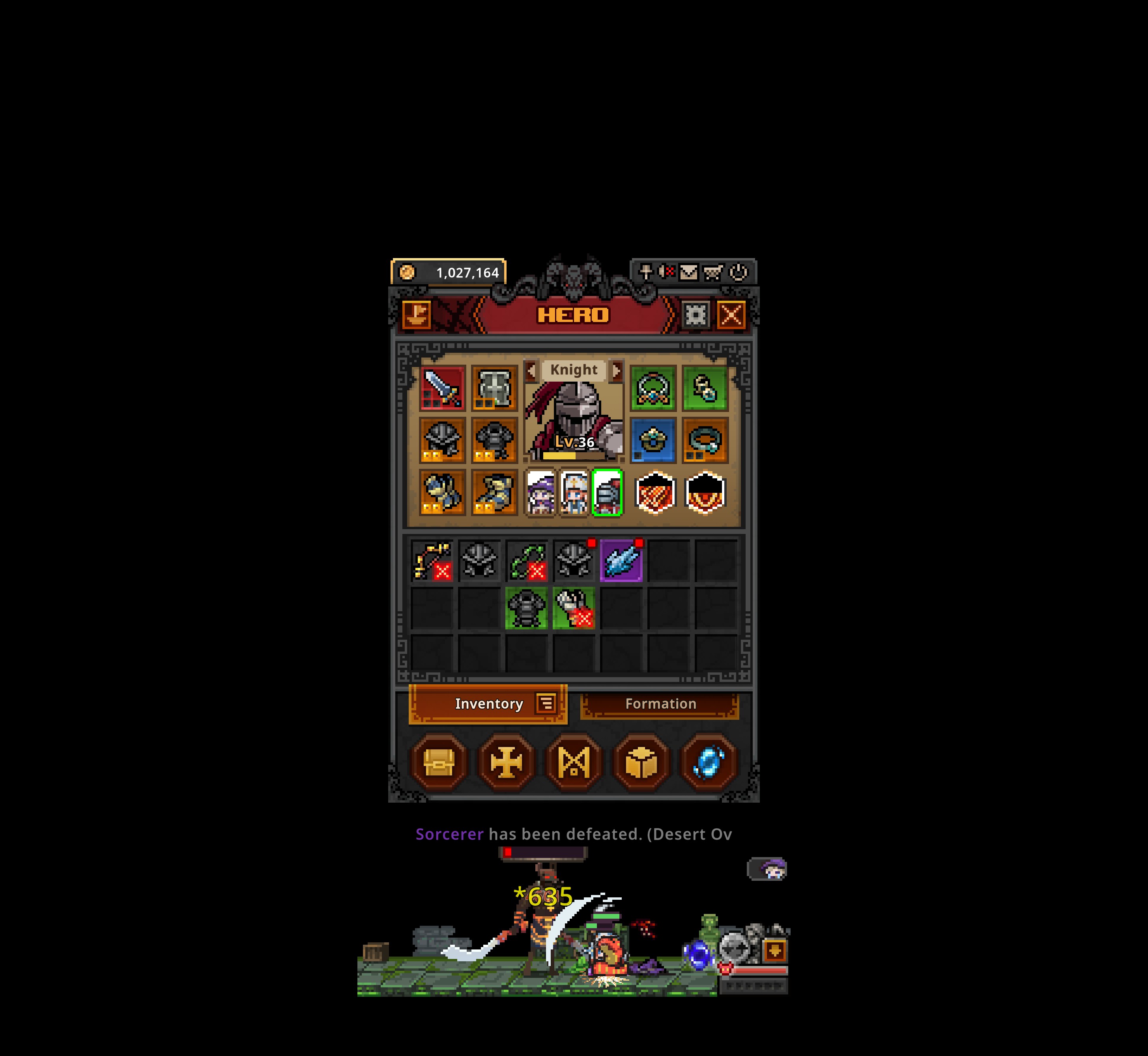
Clean your inventory before using Cube. High-value materials, equipped gear, and base items you plan to test should be locked first. Locking is not busywork; it prevents key resources from being consumed during batch cleanup, Alchemy, or inventory sorting.
Use this workflow:
- 1.Review new drops by slot, level, and effect type.
- 2.Lock anything that may be self-use or tradable.
- 3.Then process low-level duplicates, clearly useless materials, and experiment gear.
- 4.Before using Cube, confirm the base item is worth investing in.
- 5.After the craft, record the result so you do not burn the same material type repeatedly.
Alchemy and Cube are not about emptying the bag. They are about turning uncertain resources into reliable progression. If you cannot answer "why am I consuming this?", stop.
Market Decision for Materials
Tradable materials sit at the intersection of crafting value and market value:
- Materials needed by your class → Keep. The self-use value almost always exceeds market value.
- Materials irrelevant to your class → Check market data. If real price and volume exist, selling may be right.
- High-tier materials with no market data → Keep. Don't risk underselling something rare.
- Common materials with consistent market data → Bulk-sell if you have clear excess.
Material Inventory Strategy
A practical approach to managing materials:
- 1.Keep 2-3 of each useful material as a crafting reserve
- 2.Watchlist rare materials until you understand their full use case
- 3.Sell only when you have excess AND real market data AND the material isn't needed for an upcoming Cube target
- 4.Re-evaluate after class changes — switching from Knight to Sorcerer means your material priorities completely change
Evidence Used
This guide is based primarily on this site's material/effect data and cross-checks Mobalytics' Tips and Tricks for public advice on item locking, Cube, Alchemy, and basic operations. The external guide supplies operational reminders; this site adds the decision framework around material effects, gear slots, market risk, and timing.
Common Mistakes
Bulk-selling materials as 'junk' without checking effects
Crafting with Cube without a target stat
Reading price without understanding the material's use case
Ignoring material tier differences (Normal vs. Nightmare vs. Hell)
Using high-tier materials for low-priority stats
FAQ
How do I tier materials
By effect type first, rarity second, and tradability third. An effect you need is always more valuable than a rare effect you can't use.
When should I use the Cube
Only after you've chosen a target stat and confirmed you have the right materials. Random Cube use wastes resources.
Can I sell materials I'm not using
First check if they're scarce and useful later. Then check market data. Selling a material you need to buy back later is a net loss.
What's the difference between Decoration, Engraving, and Inscription
They apply to different gear parts and offer different stat ranges. Check the Effects page for specific mappings.
How many materials should I keep
Keep at least one stack of each material type your class might use. Excess can be sold or used for Cube experiments.
Are high-tier materials always better
They provide stronger effects, but may be overkill for early-game gear. Match material tier to your gear's expected lifespan.


